Understanding Authentication vs Authorization
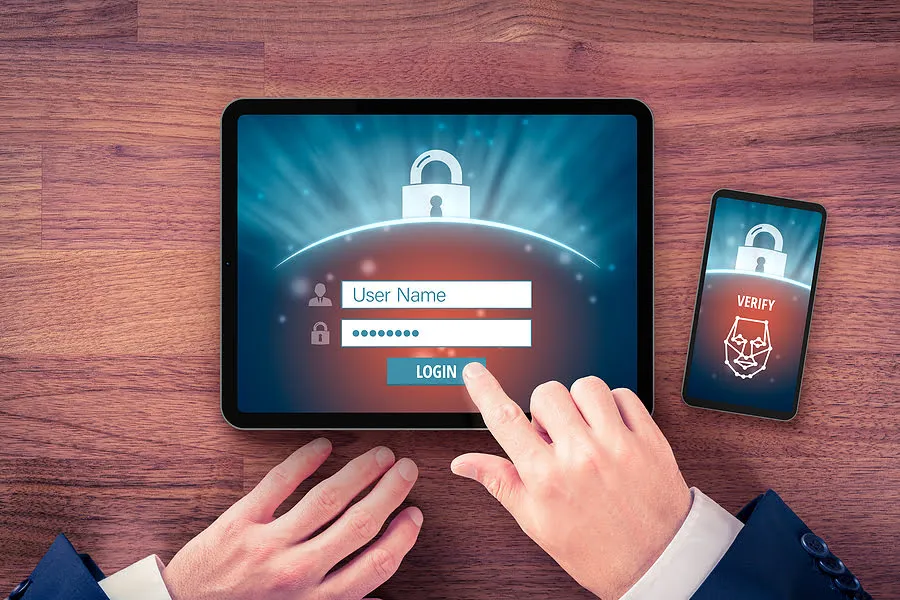
While these terms are often used interchangeably, authentication and authorization represent fundamentally different functions. In this blog, we’ll compare and contrast the two to show how they protect applications in complementary ways.
In simple terms, authentication is the process of verifying who a particular user is, while authorization is the process of verifying what they have access to.
Okay you have been authenticated but this is what you can access.
Comparing these processes to a real-world example, when you go through security in an airport, you show your ID to authenticate your identity. Then, when you arrive at the gate, you present your boarding pass to the flight attendant, so they can authorize you to board your flight and allow access to the plane.
Here's a quick overview of the differences between authentication and authorization:
AUTHENTICATION
- Authentication verifies who a user is
- Authentication works through passwords, one-time pins, biometric information, and other information provided or entered by the user.
- Authentication is the first step of a good identity and access management process.
- Generally, transmits information through an ID Token
Example: Employees in a company are required to authenticate through the network before accessing their company email.
AUTHORIZATION
- Authorization determines what resources a user can access.
- Authorization works through settings that are implemented and maintained by the organization.
- Authorization always takes place after authentication.
- Generally, transmits information through an Access Token
Example: After an employee successfully authenticates, the system determines what information the employees are allowed to access.
COMMON AUTHENTICATION METHODS
While user identity has historically been validated using the combination of a username and password, today’s authentication methods commonly rely upon three classes of information:
- What you know: Most commonly, this is a password. But it can also be an answer to a security question or a one-time pin that grants user access to just one session or transaction.
- What you possess: This could be a mobile device or app, a security token, or digital ID card.
- What you are: This is biometric data such as a fingerprint, retinal scan, or facial recognition.
Oftentimes, these types of information are combined using multiple layers of authentication. For example, a user may be asked to provide a username and password to complete an online purchase. Once that’s confirmed, a one-time pin may be sent to the user’s mobile phone as a second layer of security. Combining multiple authentication methods with consistent authentication protocols, organizations can ensure security as well as compatibility between systems.
COMMON AUTHORIZATION METHODS
Once a user is authenticated, authorization controls are then applied to ensure users can access the data they need and perform specific functions such as adding or deleting information—based on the permissions granted by the organization. These permissions can be assigned at the application, operating system, or infrastructure levels. Two common authorization techniques include:
Role-based access controls (RBAC): In computer systems security, this method gives users access to information based on their role within the organization. For example, all employees within a company may be able to view, but not modify, their personal information such as pay, vacation time, and 401K data. Yet HR managers may be given access to all employees’ HR information with the ability to add, delete, and change this data. By assigning permissions according to each person’s role, organizations can ensure every user is productive, while limiting access to sensitive information.
Attribute-based access control (ABAC): ABAC grants users permissions on a more granular level than RBAC using a series of specific attributes. This may include user attributes such as the user’s name, role, organization, ID, and security clearance. It may include environmental attributes such as the time of access, location of the data, and current organizational threat levels. And it may include resource attributes such as the resource owner, file name, and level of data sensitivity. ABAC is a more complex authorization process than RBAC designed to further limit access. For example, rather than allowing all HR managers in an organization to change employees’ HR data, access can be limited to certain geographical locations or hours of the day to maintain tight security limits.
SUMMARY
Access to a resource is protected by both authentication and authorization. If you can't prove your identity, you won't be allowed into a resource. And even if you can prove your identity, but not authorized to access a certain resource, you will still be denied access.
A well implemented security strategy requires protecting one’s resources with both authentication and authorization. With a strong authentication and authorization strategy in place, organizations can consistently verify who every user is and what they have access to do—preventing unauthorized activity that poses a serious threat. By ensuring all users properly identify themselves and access only the resources they need, organizations can maximize productivity, while bolstering their security at a time when data breaches are robbing businesses of their revenue and their reputation.
Thank you for coming along!!! I wish you a merry Christmas and a Happy new year in advance🎉🤩


